
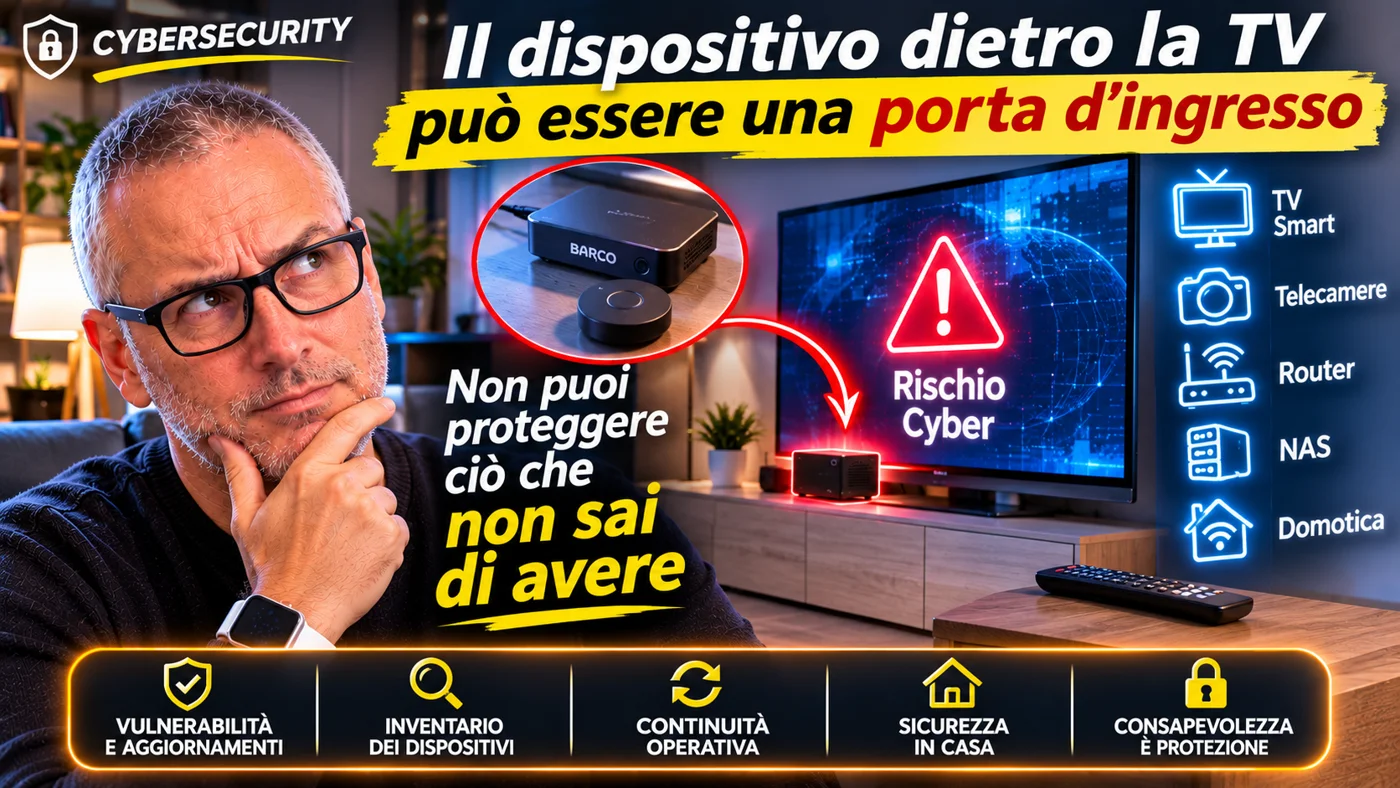
“You can't protect what you don't know you have.”
In the company it is a fundamental rule for managing vulnerabilities: before securing the devices, you need to know what they are, where they are located, who manages them and what software they run. But the same question also applies at home:
Do we really know how many devices are connected to our network?
This is not a wireless HDMI cable
Let's take a device that many encounter in meeting rooms: Barco ClickShare. You connect a button to the computer, press it and the presentation appears on the screen thanks to communication with a base installed behind the television.
It's easy to think of it as a simple video accessory. But the basis is a computer system with software, network connectivity and a configurator. Like any connected device, it must be inventoried and updated.
In an advisory updated on October 29, 2026, Barco reports two PHP vulnerabilities, CVE-2026-109618 and CVE-2026-109619, associated with the name PHP2Shell. The CVEs carry a CVSS 4.0 score of 9.2 and the possibility of remote code execution. CISA placed both vulnerabilities in the KEV catalog on October 26, which collects actively exploited flaws.
Barco lists several ClickShare families — including C, CX, CS(E), CSC and CSM — and wePresent WiPG devices as affected. It also specifies an important point: to exploit vulnerabilities on the devices involved you need to be able to reach their web configurator. So it doesn't mean that every ClickShare is exposed to the Internet or that every drive has been compromised.
Barco lists the hotfix v2.27.01.0009 for the C, CX, Bar Core and Bar Pro families. Several older lines, including CS(E), CSC/CSM and wePresent, have reached end of support and will not receive a fix. The company recommends limiting access to the configurator, changing the default Wi-Fi password and, when appropriate, disabling internal Wi-Fi.
The lesson is not "unplug all screens." It's that an object that looks like an accessory may actually be a computer hidden behind a TV.
And at our house?
You don't need to have ClickShare in your living room to have forgotten devices. The home network can include routers, Wi-Fi repeaters, cameras, video intercoms, NAS, printers, smart TVs, consoles, smart plugs and home automation hubs. Some are visible; others stay on for years, rarely updated and almost never included in an inventory.
The following examples are specific products and versions: they do not mean that all devices from those brands are vulnerable.
The router: the gate to the house
The router connects home devices to the Internet and often also manages Wi-Fi, network rules, and incoming connections. CISA has included the CVE-2023-1389 vulnerability of the TP-Link Archer AX21 router in its catalog: the flaw can allow remote execution of commands on the device.
If a vulnerable router is compromised, the risk isn't just the slow connection. Depending on the access gained and configuration, an attacker could alter settings, use the router as a gateway to other devices, or enlist it in a botnet. It doesn't mean that every AX21 router has been attacked: hardware and firmware version, updates and exposure conditions matter.
The camera: also a privacy problem
CVE-2021-36260, a command injection vulnerability in the web server of some Hikvision products, also appears in the CISA catalog. Here the "some products" detail is essential: to understand if a camera is involved you need to compare the model and firmware with the manufacturer's warning.
A compromised camera can become a foothold in your home network; depending on the device and the level of control obtained, the images, settings and privacy of those living in the home may also be at risk. A camera should not be unnecessarily exposed to the public network and should not unnecessarily share the same network as the computers we use to work or store documents.
The NAS: family files and backups
A NAS looks like a network drive, but it often contains photo archives, documents, backups and applications that are accessible from multiple devices. In 2022, CISA registered CVE-2022-27593, which affected some QNAP NAS with Photo Station exposed to the Internet. QNAP linked the vulnerability to a DeadBolt ransomware campaign and released corrective updates.
It is a concrete example of what can happen when a device that stores data is accessed from the outside: files and services can be compromised, and a backup always connected to the same device may not be a sufficient copy to recover the data.
What could happen in the home network?
It depends on the device, the vulnerability, the firmware installed and how it is reachable. There is no single scenario that applies to all homes. In general, however, the control of a connected device can transform it into:
- an access point to the data or services it hosts;
- a step to try to reach other devices on the network;
- a tool for interrupting or altering a domestic service;
- a device involved in automated activities against third parties;
- a privacy risk, if it handles images, audio or documents.
This doesn't mean that a vulnerability automatically allows you to spy on every conversation or read every password. The consequences depend on what the device can do, what protections are in place, and what requirements are needed to exploit the flaw. The distinction between "vulnerable", "exposed" and "compromised" is fundamental.
The home inventory: a simple but useful list
There's no need to turn your living room into an operations center. You can start with a list:
- check which devices are connected in the app or router interface;
- note for each make, model, location, function and, when available, firmware version;
- check on the manufacturer's website if there are updates or if the product is no longer supported;
- install official updates and change default credentials;
- deactivate remote administration and external access functions if they are not needed;
- separate, when possible, IoT devices from computers, phones and family archives;
- keep backup copies that are not always reachable from the NAS or main computer.
If a device stops receiving updates, it's not enough to hope that no one notices. It can be replaced or, if it must remain in use, access and exposure can be limited following the manufacturer's instructions.
What about the traditional HDMI cable?
A copper cable has no firmware, account or web configurator. From this point of view it is simpler. But it is not a universal solution: even the television, the router to which it is connected or the computer used for the presentation can be connected devices that need to be protected.
The point is not to fear every digital object. It is to stop considering them invisible.
The ClickShare behind the screen, the camera above the door and the NAS next to the router are part of our network, even when we don't see them. Security begins when we know they are there, check if they are still supported and decide what access they should have.
Because we can't protect what we don't know we have.
Sources
- Barco — warning about ClickShare and CVE-2026-109618 / CVE-2026-109619
- CVE-2026-109618 and CVE-2026-109619
- CISA KEV — CVE-2026-109618 and CVE-2026-109619
- CISA KEV — TP-Link Archer AX21, CVE-2023-1389
- TP-Link — Archer AX21 firmware
- CISA KEV — Hikvision, CVE-2021-36260
- Hikvision — warning about vulnerabilities in some products
- CISA KEV — QNAP Photo Station, CVE-2022-27593
- QNAP — QSA-22-24 alert on Photo Station and DeadBolt
#Cybersecurity #SmartHome #IoT #ClickShare #CybersecurityAwareness #VulnerabilityManagement #CasaConnessa